- PL industrial pressure transmitters
- Setup and support
- Device configuration
Parameterization via ifm's IO-Link software
The following guides you through key programming steps for the PL15 pressure sensors. More details can be found in the operating instructions on the product datasheet page under the Downloads tab.
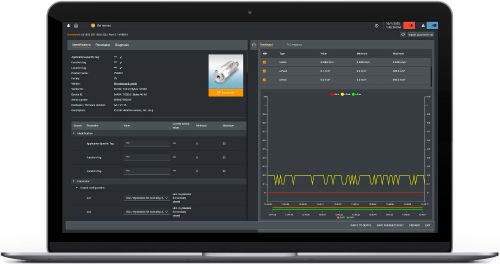
moneo | configure is a user-friendly software package that enables easy programming and visualization of all ifm IO-Link enabled sensors (V1.0 and V1.1) as well as other manufacturers' IO-Link enabled sensors (V1.1). The software can be downloaded here: moneo | configure.
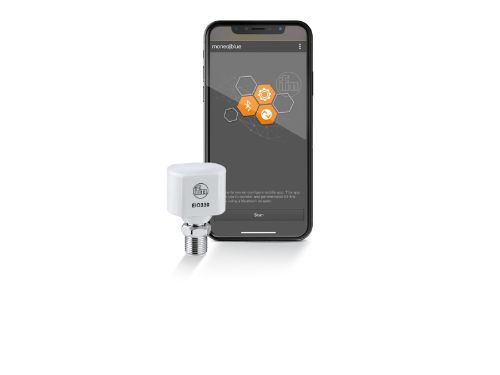
moneo | blue is an app that runs on your Apple or Android smart phones and provides access to all parameters, process values and diagnostics from all sensors connected to an IO-Link master. The Bluetooth™ adapter, EIO330, connects to one port of the IO-Link master and the app can be downloaded free of charge from the Apple App Store or from Google play.
Available parameters for PL15 sensors
All of ifm's process sensors, including the PL pressure sensors, use similar terminology for programming. This unit can be configured via the IO-Link function. We highlight the key adjustable parameters used most often here. Refer to the Operating Instructions manual found under the "Downloads" tab at the product datasheet page for more details on these and other features.
| Parameter | Description |
|---|---|
| coF / tcoF | Defines the zero-point calibration offset of measuring range
|
| ASP2 / AEP2 | Analog start and end points for scaling the 4...20mA output
|
| ou2 | Output function for output 2
|
| FOU2 | Defines output status in case of an internal fault
|
| dAP.P | Defines the damping constant in seconds for the process data flow (IO-Link communication)
|
| dAA | Defines the damping constant in seconds for the analog output
|
| S.Tim S.PRS S.TMP S.On |
Defines the parameters of the simulation mode
|