- O6D laser distance sensor
- Setup and support
- Device configuration
O6D laser distance sensor: Parameterization via software or pushbuttons
The following will guide you through how to program the O6D sensor.
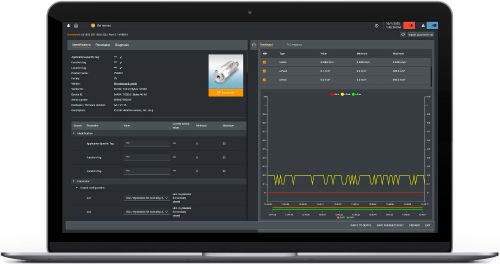
moneo|configure software
moneo | configure is a user-friendly software package that enables easy programming and visualization of all ifm IO-Link enabled sensors (V1.0 and V1.1) as well as other manufacturers' IO-Link enabled sensors (V1.1). The software can be downloaded here: moneo | configure.
How to teach an object
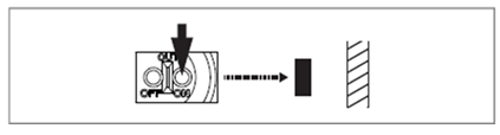
- Position the object you want to detect
- Press OUT ON > 2 secs
- The green LED flashes
- The yellow LED flashes twice and confirms the teach process
- Release OUT ON
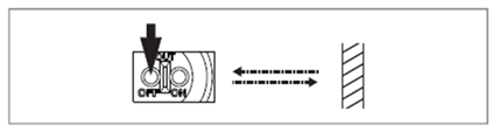
- Remove the object
- Press OUT OFF
- The yellow LED flashes twice and confirms teach-in process
- Release OUT OFF
- The green LED lights up and the yellow LED goes out. Programming completed.