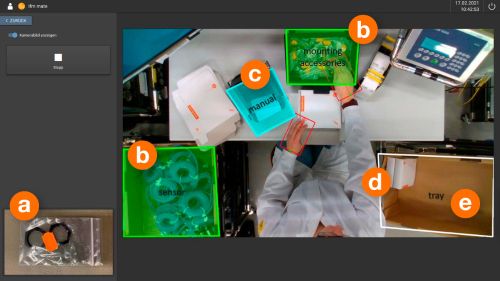
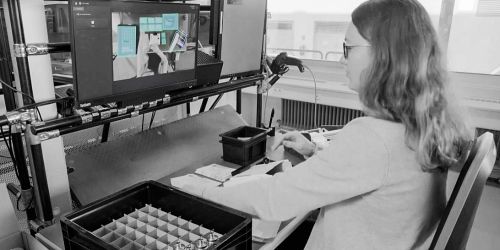
ifm mate with Event Logger – MQTT opens up new possibilities for process optimisation
Here are the next steps towards digitalising your manual workstations:
To be able to use all the ifm mate Event Logger’s features on your system, at least the ifm mate V 1.5.0 firmware or higher must be installed on the IPC. Click on the link to download the update.
Having completed that step, you must activate the purchased OXZ001 Event Logger licence.
How to activate the ifm mate Event Logger:
Once your system has been updated to at least software version 1.5.0, you can access the "Licence Management" section as a logged-in administrator. Activation can be done online and offline (without an active internet connection).
For online activation, you can enter the licence key directly in ifm mate. You will find the key in your customer account under the "my software" tab.
For offline activation, you need the fingerprint of the target system. You can retrieve it via the ifm mate licence management. Follow the instructions provided by the ifm mate system.
Notice:
Licence activation must be done on the target system, and the licence will be bound to this system!